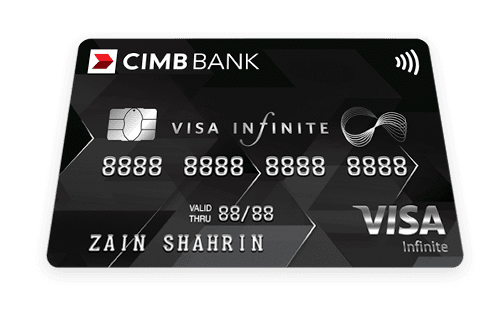
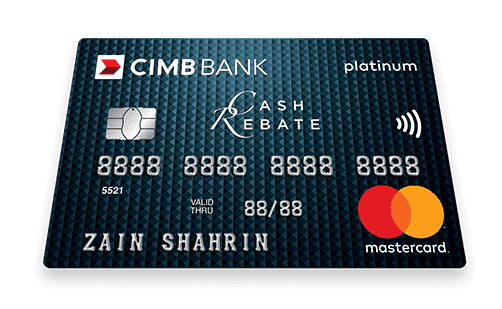
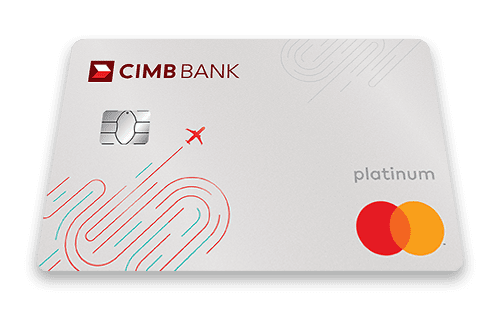
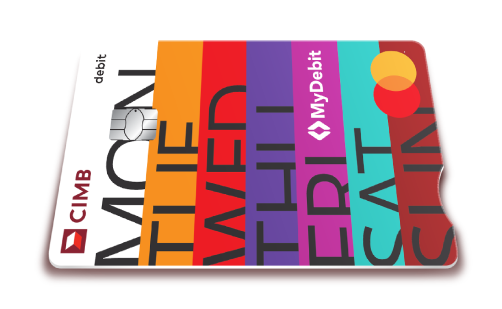
If you wish to disable the Contactless payment / transaction method on your CIMB Debit Card, you can disable it at any of our ATMs, CIMB Clicks Website, through CIMB OCTO App or contact us at:
- Consumer Contact Centre at +603 6204 7788 (Local & Overseas)
- Preferred Contact Centre at 1300 885 300 (Local) and +603 2295 6888 (Overseas).
CIMB OCTO App
Step 1: Login to CIMB OCTO App.
Step 2: On the CIMB OCTO App Home Screen, Select “More” > “Services” > “Manage Card”.
Step 3: Select “Contactless Payment”.
Step 4: Select the card you would like to enable for Contactless Feature.
Note: Only activated cards will be displayed for selection.
Step 5: To enable, switch on the toggle if it was previously disabled.
Note: By default, the Contactless feature is enabled. To disable it, switch off the toggle.
Step 6: Authorise the transaction via SecureTAC.
Step 7: Your card is now successfully activated.
CIMB ATM
Step 1: Insert you CIMB Debit Card.
Step 2: Enter your Debit Card PIN.
Step 3: Return to Main Menu.
Step 4: Select Others.
Step 5: Select ATM/Debit / Credit Card Related.
Step 6: Select Debit Card.
Step 7: Set Contactless Transaction.
Step 8: Select "Deactivate" or "Activate" to proceed.
Step 9: Enter Your new I/C number to confirm.
Please ensure that there is sufficient balance to perform contactless transactions with your CIMB Debit Card to avoid any service disruptions.
 CIMB Indonesia
 CIMB Singapore
 CIMB Thailand
 CIMB Cambodia
 CIMB Vietnam
 CIMB Philippines