Search
Back
Accounts  
 
Riuh Durian Runtuh 2025 Campaign
Open a CIMB DURIAN-i Account, deposit & stand to win over 10,000 prizes, including all-expenses-paid trips to Iceland, Maldives, and more! Earn more entries now. T&C.
Valid until 31st Dec 2025
Financing  
 
Cash Plus Personal Loan
Get fast approval with CIMB Bank's Cash Plus Personal Loan. Enjoy low interest rates from 4.38% p.a.* and loan amounts up to RM100,000, repayable over 5 years.
Remittance  
Currency Exchange  
Sustainability at CIMB  
CIMB@Work  
More Services  
Islamic Banking Overview  
Latest Promotions  
 
Riuh Durian Runtuh 2025 Campaign
Open a CIMB DURIAN-i Account, deposit & stand to win over 10,000 prizes, including all-expenses-paid trips to Iceland, Maldives, and more! Earn more entries now. T&C.
Valid until 31st Dec 2025
CIMB Deals  
Kita Bagi Jadi  
 
Komuniti
CIMB Kita Bagi Jadi Komuniti is our platform dedicated to economic empowerment, education, and enabling communities to thrive.
CIMB OCTO App  
CIMB Clicks  
Apply for Products  
DuitNow QR  
Personalised For You  
Customer Help Centre  
Locate Us  
Extra Care by CIMB  
You're viewing:
Personal Banking
Other Sites
Day To Day Banking
Islamic Banking
Islamic Wealth Management
More Services
Wealth Management
Investments
Insurance/Takaful
Deals & Promotions
Latest Promotions
Kita Bagi Jadi
Help & Support
Rates & Charges
Calculators
Security & Fraud
logo
MY - EN
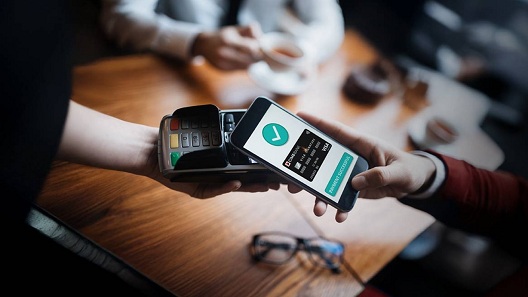
Turn your phone into your wallet.
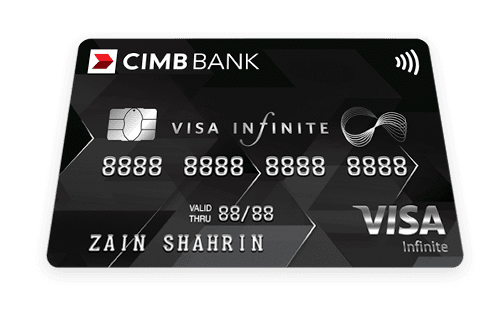
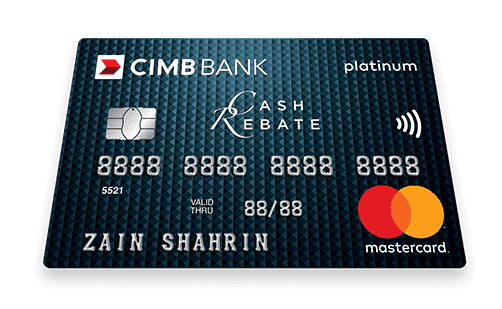
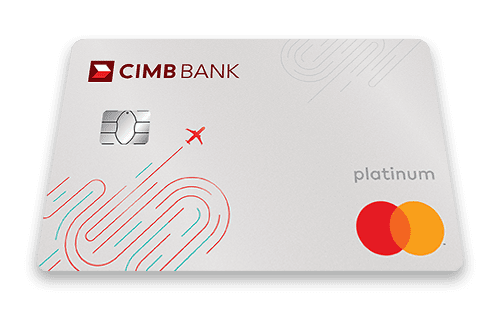
Just add your CIMB Credit Card/-i in Google Wallet or Samsung Wallet
and enjoy convenient contactless payments.
We make it simple so you can get on with your day.


KitaBagiJadiᵀᴹ

Benefits of Digital Wallets

Let’s dive in—here’s how to start!

Got an Android device?

Add your CIMB Credit Card/-i in just a few taps


How to make payments

Steps to pay in-store


Step 1

Look for contactless

payment (contactless logo) at the merchant.


Step 2 

Unlock your phone and launch the wallet app


Step 3

Enter PIN/using face recognition to

authorise payment and complete your

purchase by tapping your phone on

the point-of-sale terminal.


Step 4

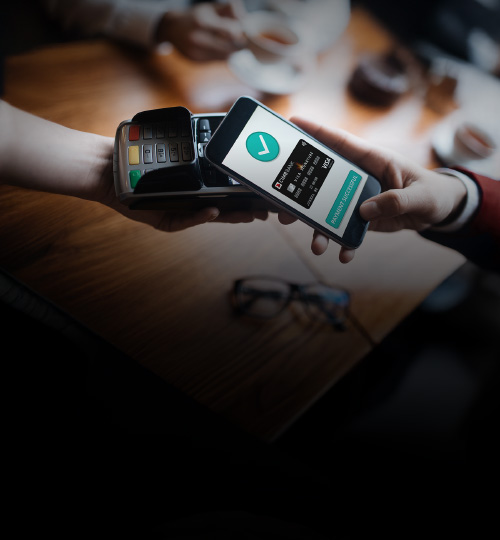
The check mark will

appear to indicate your transaction is successful.

Steps to pay online


Step 1

Choose a payment method and

your shipping address.


Step 2

Enter PIN or use face recognition to

authorise payment. Then, confirm

and complete your purchase.


Step 3

The check mark will appear to

indicate your transaction is

successful.

Google Wallet & Samsung Wallet 25% Cash Back Campaign

Enjoy 25% Cash Back by just adding your CIMB Mastercard Credit Card/-i to Google Wallet or Samsung Wallet and make your first spend using the wallet.

Unlock 25% Cash Back in just a few steps!

Campaign Period:

28 November 2025 - 28 February 2026

Important Notes

  1. This Campaign is open to all CIMB Mastercard Credit Card/-i credit cardholders issued by CIMB in Malaysia and who have never provisioned in Google Wallet OR Samsung Wallet with any CIMB Mastercard Credit Card/-i cards before 1 November 2025. 
  2. First transaction of the Eligible Credit Card provisioned to Google Wallet OR Samsung Wallet. No minimum spend required for Eligible Spending Transaction(s).
  3. *The total Cash Back pool allocated for the Campaign is Ringgit Malaysia Four Hundred and Nine Thousand Five Hundred (RM409,500) on first-come-first-served basis.
  4. The Cash Back shall be credited into the Eligible Participant’s Eligible Credit Card’s principal account within sixteen (16) weeks from the end of the Campaign.